 COME
COMECheck COME Controls During a First Session
A first session is a useful time to inspect language and sound controls and locate update checking. These settings help you understand the app before starting another task.
Orient the interface first
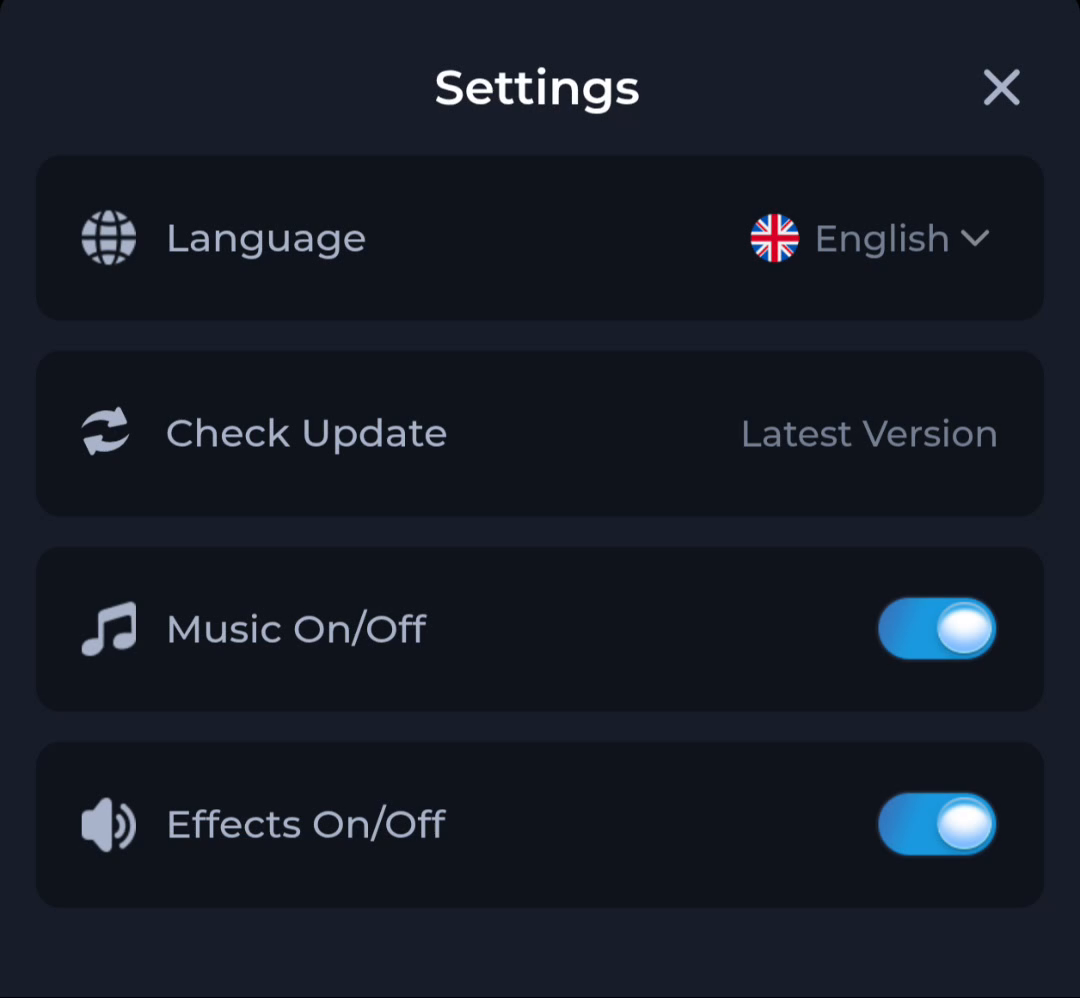
Open Settings and read the available Language option. The website’s English guidance does not determine which languages a particular app version offers. Follow the actual choices on the screen.
Check sound deliberately
Music and Effects are separate rows in the pictured interface. Adjust one relevant control, return to the app and check the effect. Also inspect the phone’s volume or sound mode if audio remains absent.
Locate update checking without assuming a download
Check Update is an action or status area, not proof that an APK transfer has happened. If you later follow an update route, verify the offered release and Android result independently. Keep recovery access before changing the installation.
A useful next step
Use the Guides directory for a specific first-open question, and the home page for the complete app overview.